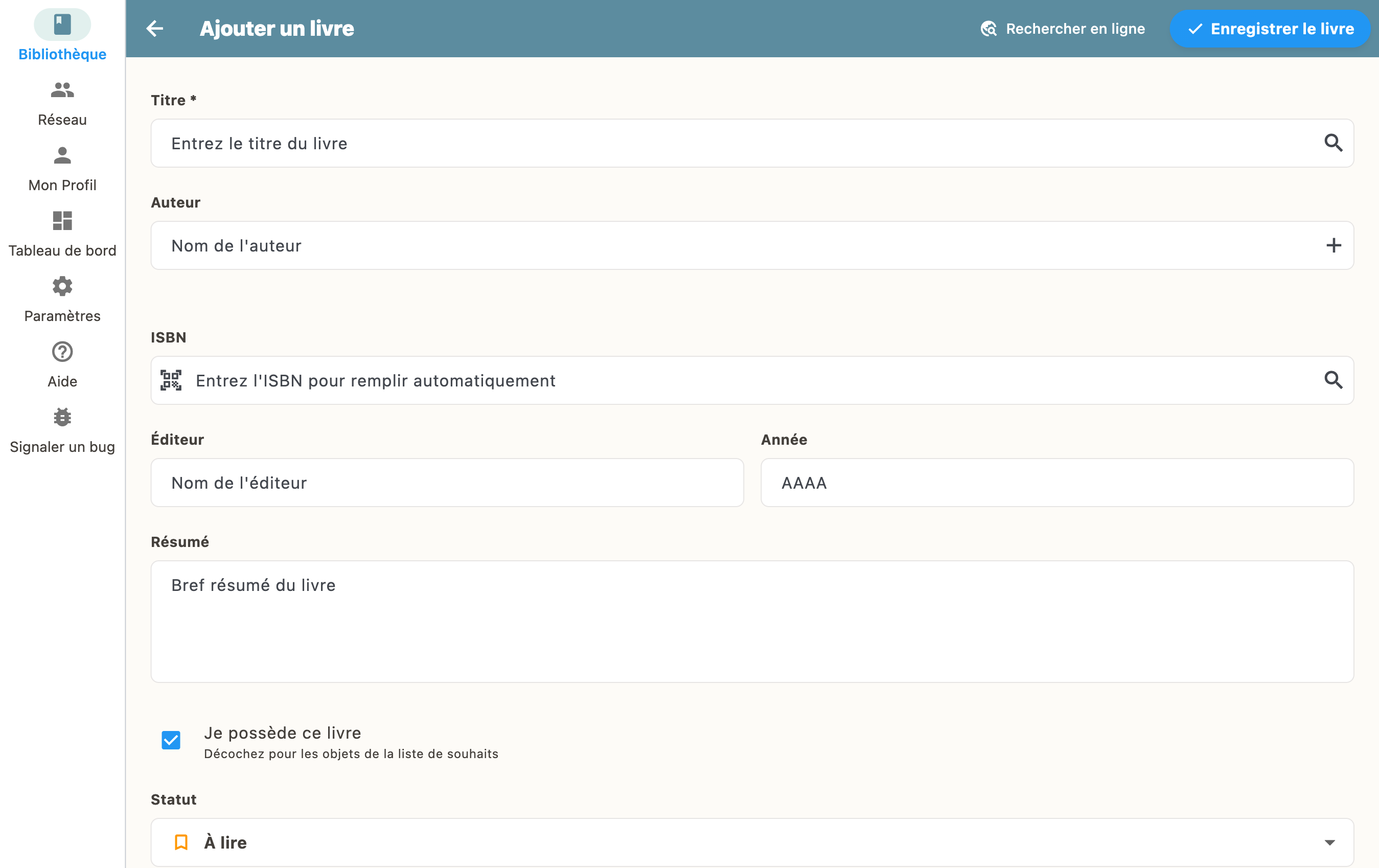
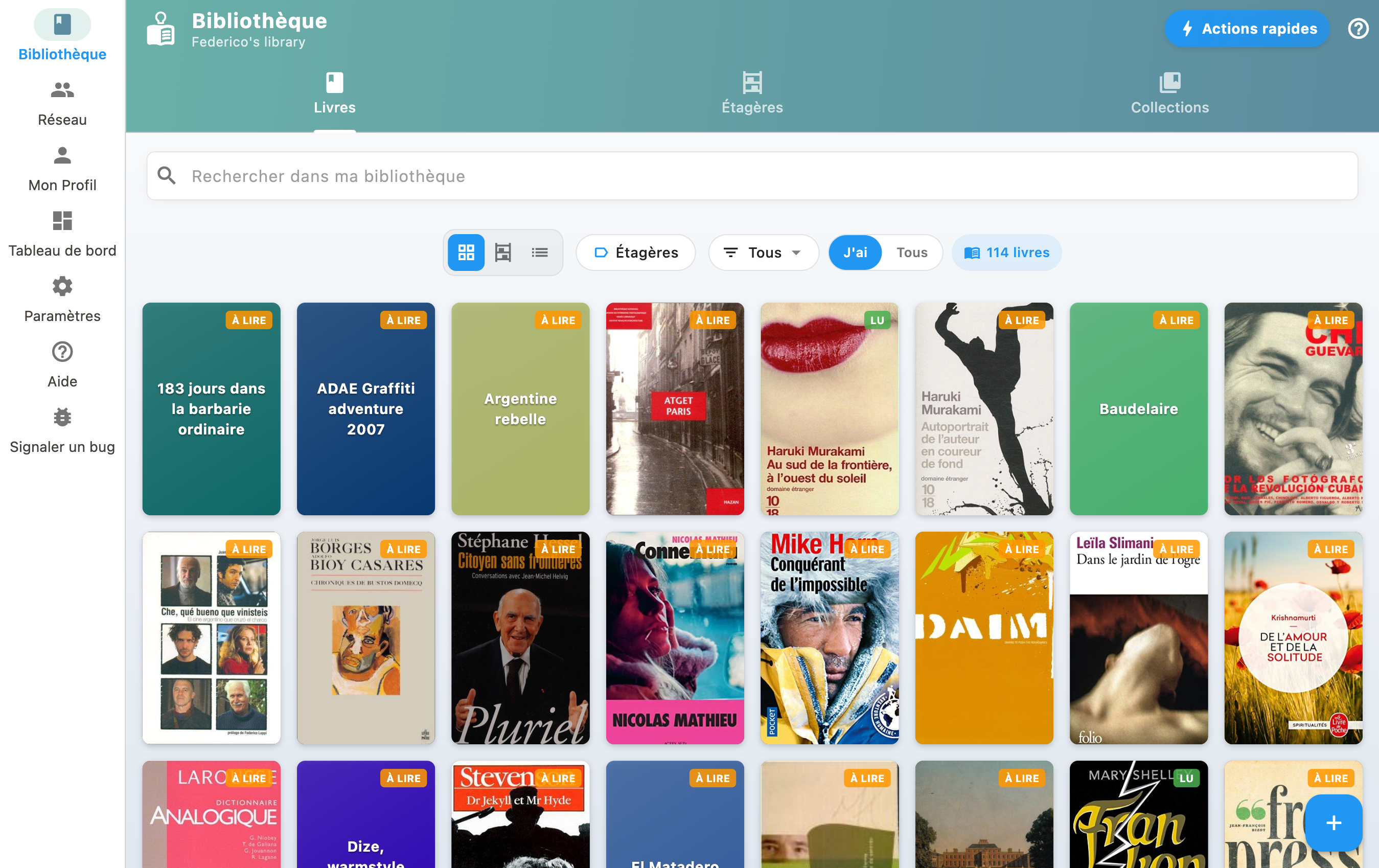
How to add a book
Go to "My Library" and tap the "+" button. You can scan a barcode or search by title/ISBN.
Scan a barcode
Open the app and tap the "+" button at the bottom right, then choose "Scan".
Point your camera at the book's barcode. BiblioGenius recognizes it automatically and fetches all metadata (title, author, cover, etc.).
Search by title or ISBN
You can also search for a book by its title or ISBN number:
- Tap "+" then "Search"
- Enter the title, author or ISBN
- Select the right result from the list
- The book is added with all its information
Manual entry
If the book is not found in the catalogs, you can create it manually by filling in the title, author, and other fields.