How to manage requests
In "Requests", you can see all incoming borrow requests (people wanting your books) and outgoing ones (your requests to others). Accept, decline, or mark as returned.
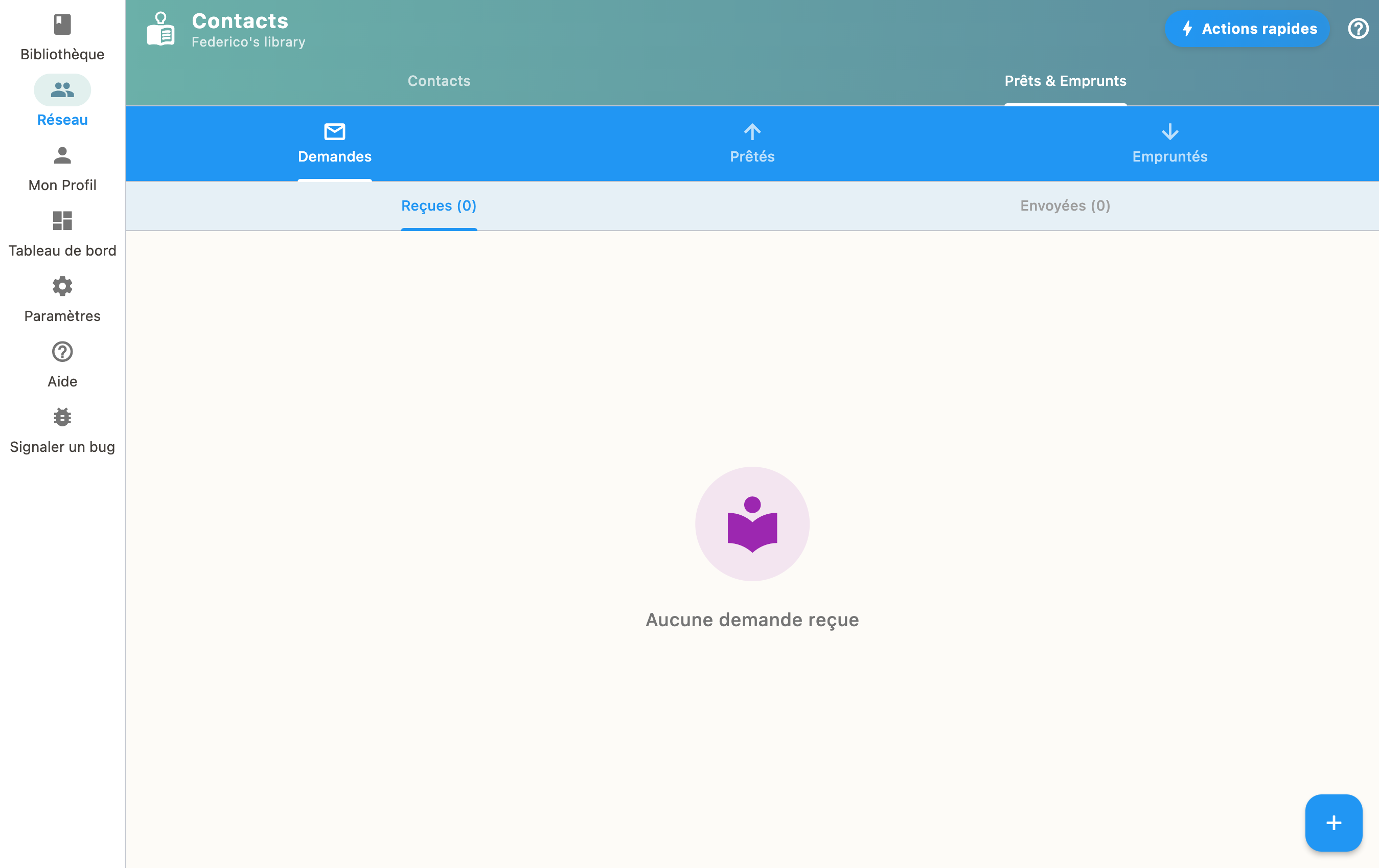
Incoming requests
When someone wants to borrow one of your books, you receive a request. You can:
- Accept the request and lend the book
- Decline the request
Outgoing requests
Track the status of your own borrow requests to other libraries.
Returns
When a book is returned, mark it as "Returned" to update your library.