How to lend a book
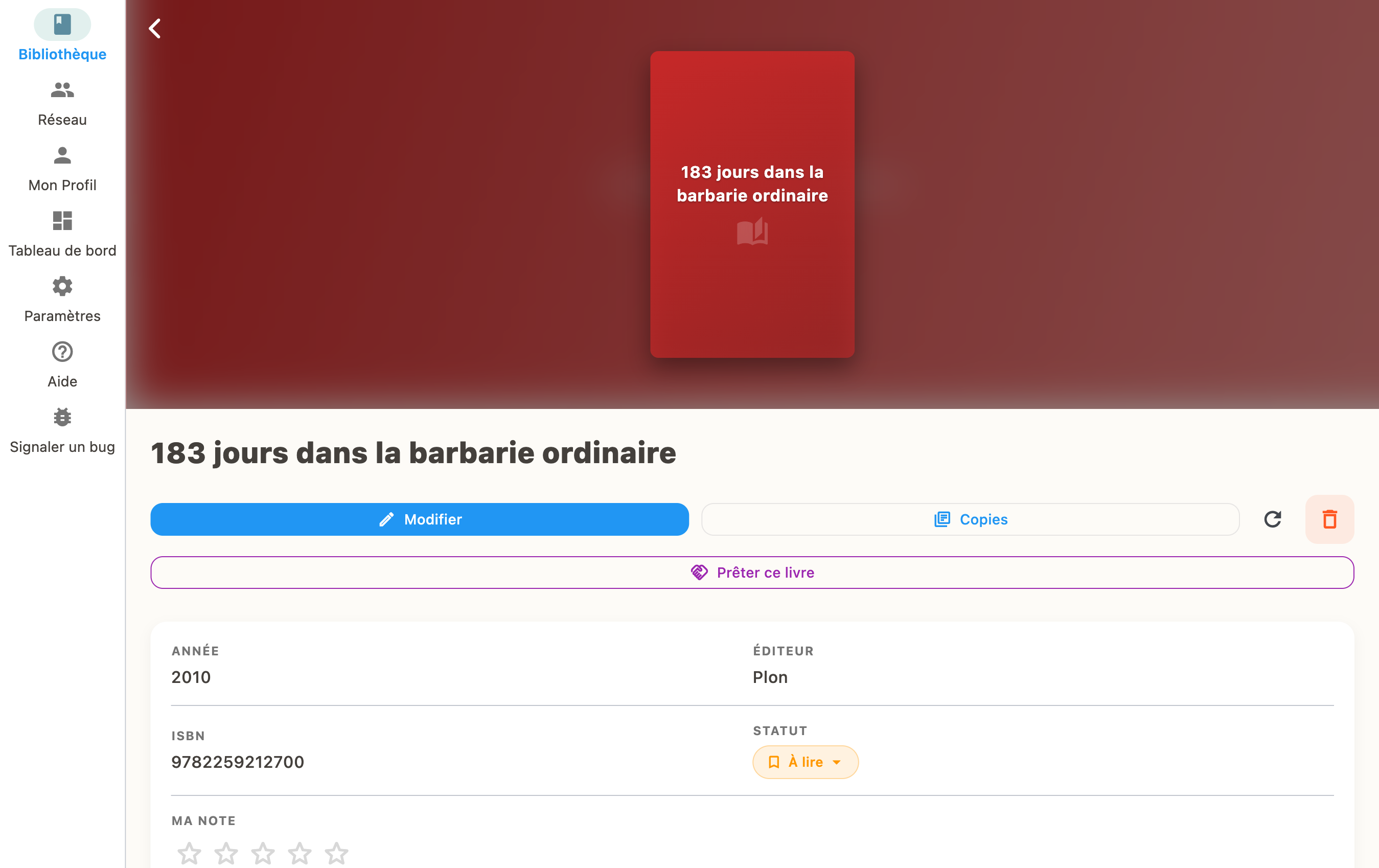
Find the book in your library, tap "Manage Copies", then "Lend". Select a contact to lend to.
Steps to lend
- Go to your library and open the book's detail page
- Tap "Manage Copies"
- Select "Lend"
- Choose which contact to lend to
- Confirm the loan
Tracking loans
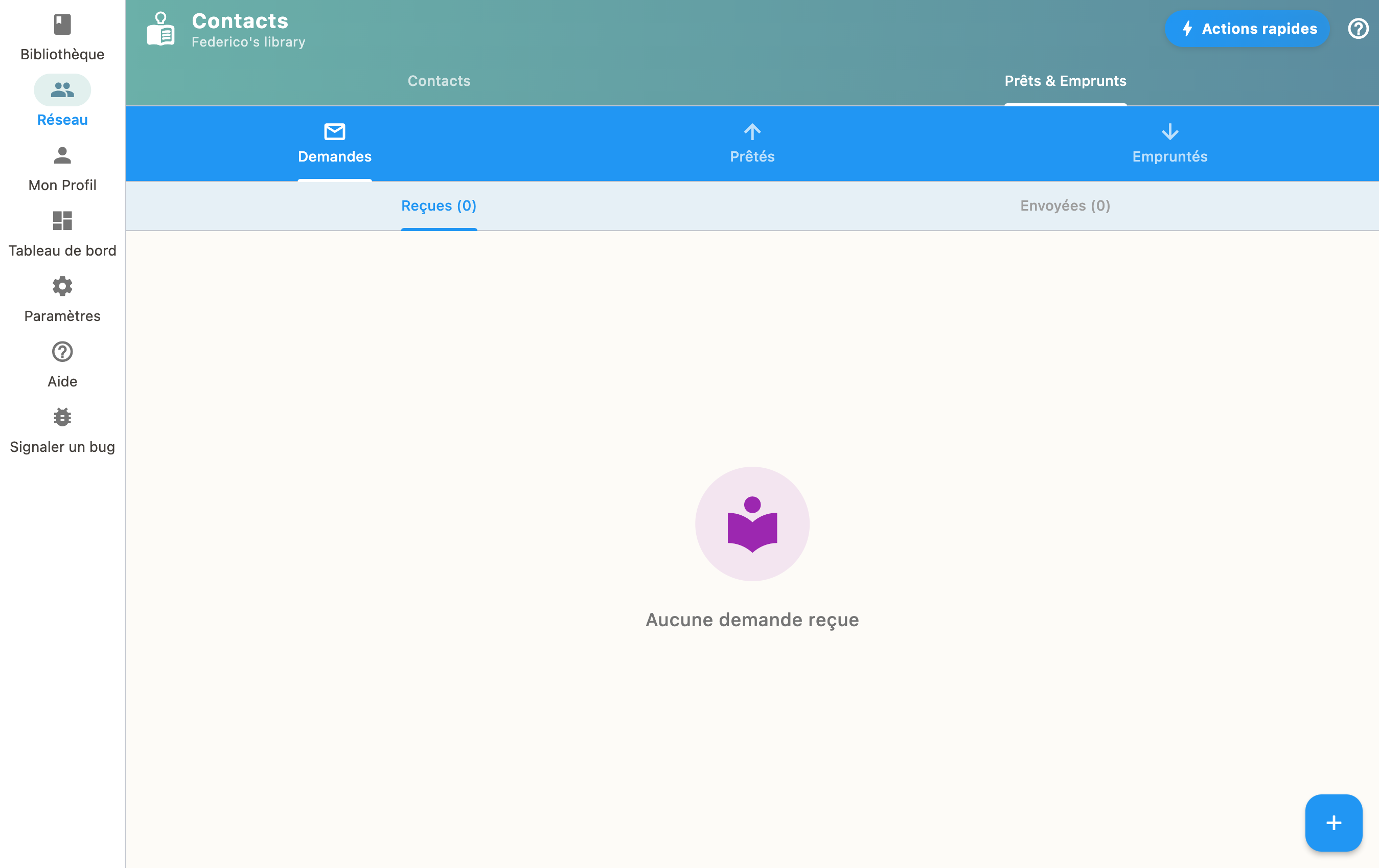
Your active loans are visible from the "Requests" section. You can mark a book as returned at any time.