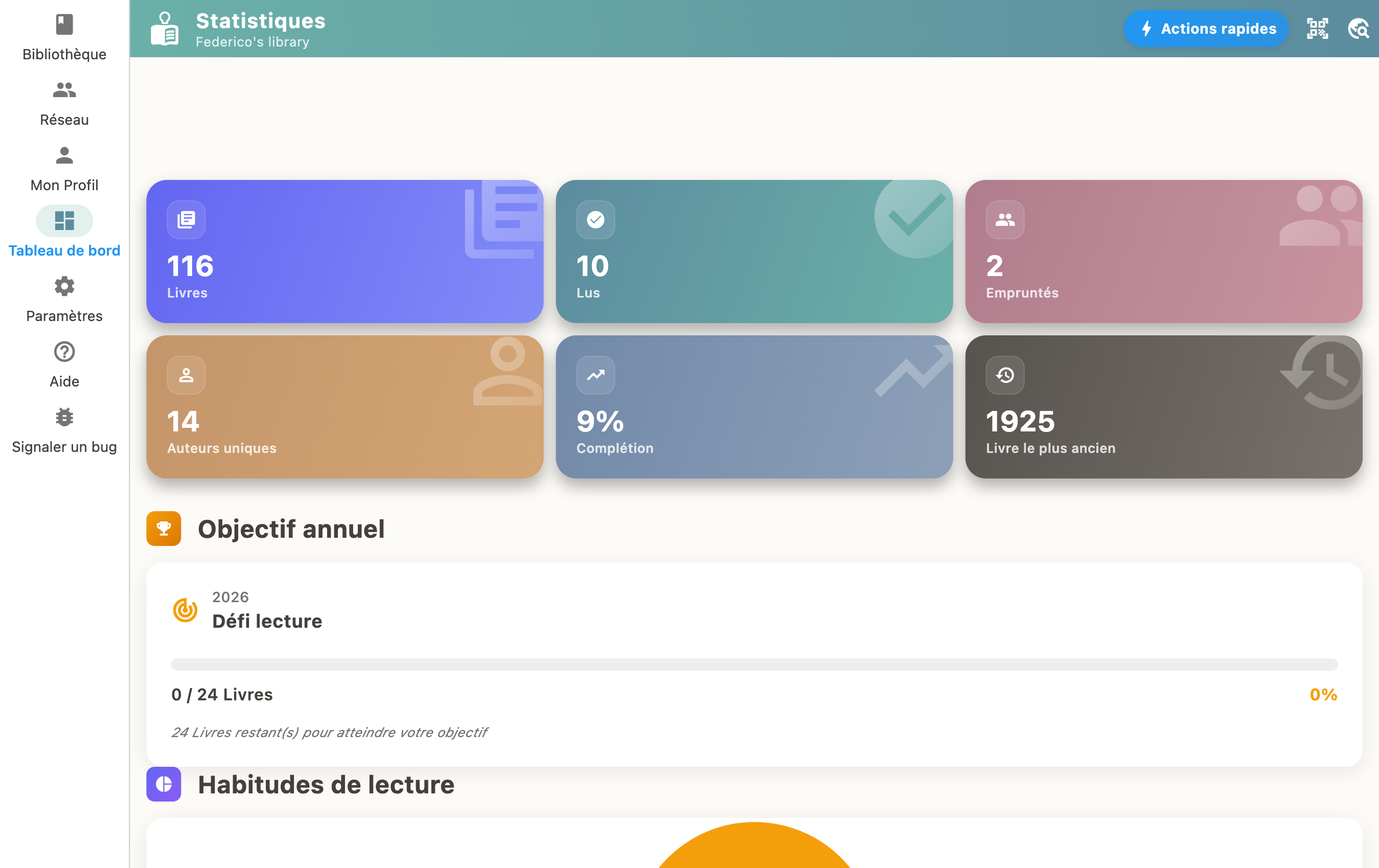
How to track reading progress
Open a book and tap "Mark as Reading" to start tracking. Update your progress as you read. When finished, mark it as "Read" to earn XP and unlock achievements!
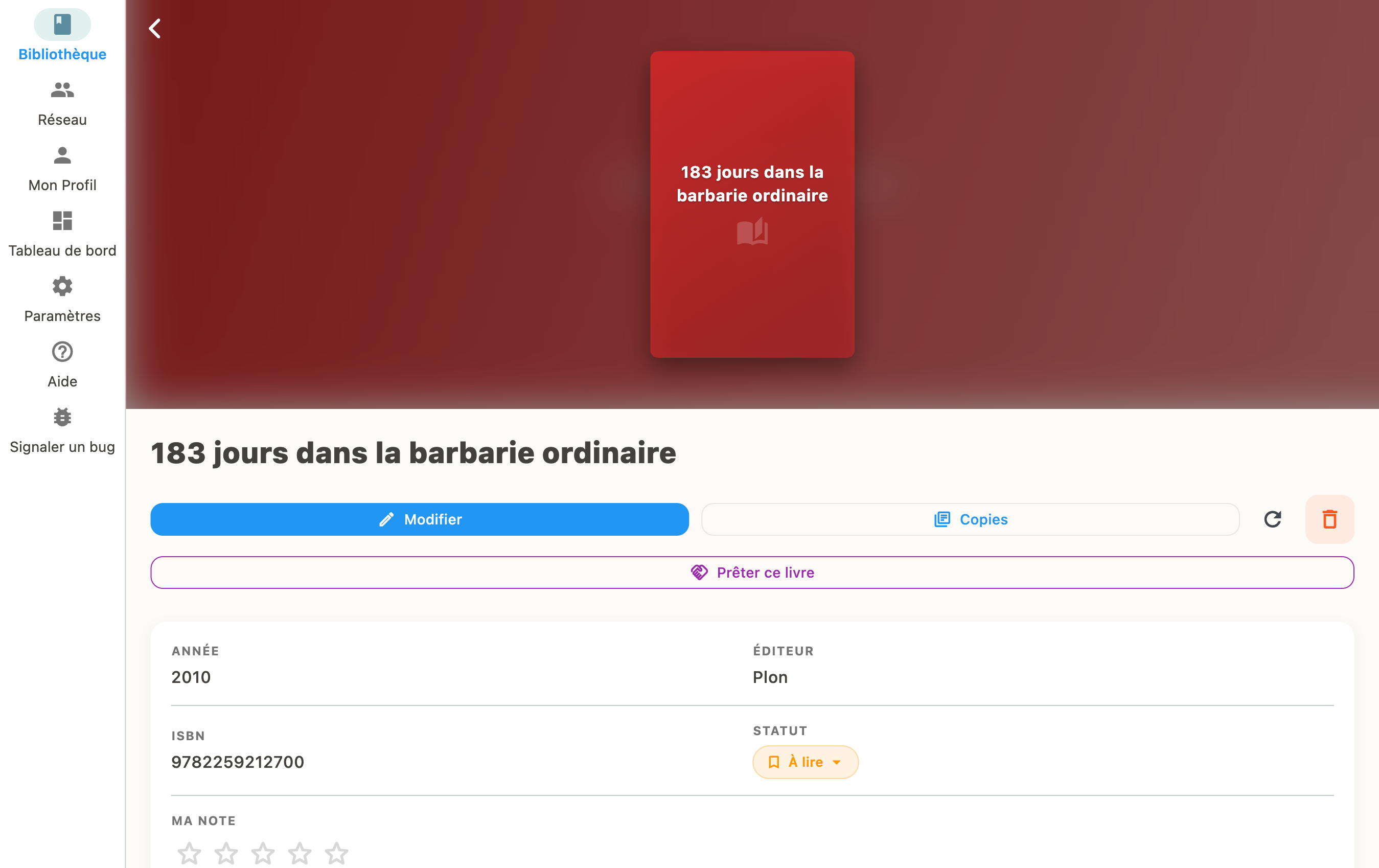
Reading statuses
Each book can have a status:
- To Read: in your reading queue
- Reading: you are currently reading it
- Read: finished!
- Abandoned: you stopped reading
Page progress
When a book is "Reading", you can enter which page you're on. The progress bar updates automatically.
Rewards
Finishing a book earns you XP and can unlock achievements in the gamification system.