Importing Books
You can import books from Gleeph, Goodreads, Babelio, or any CSV file. This allows you to centralize your library in BiblioGenius.
Supported import sources
- Gleeph: export your books from the Gleeph app
- Goodreads: use the Goodreads CSV export
- Babelio: export your Babelio library
- CSV or XLSX file: any file with title/author/ISBN columns
How to import
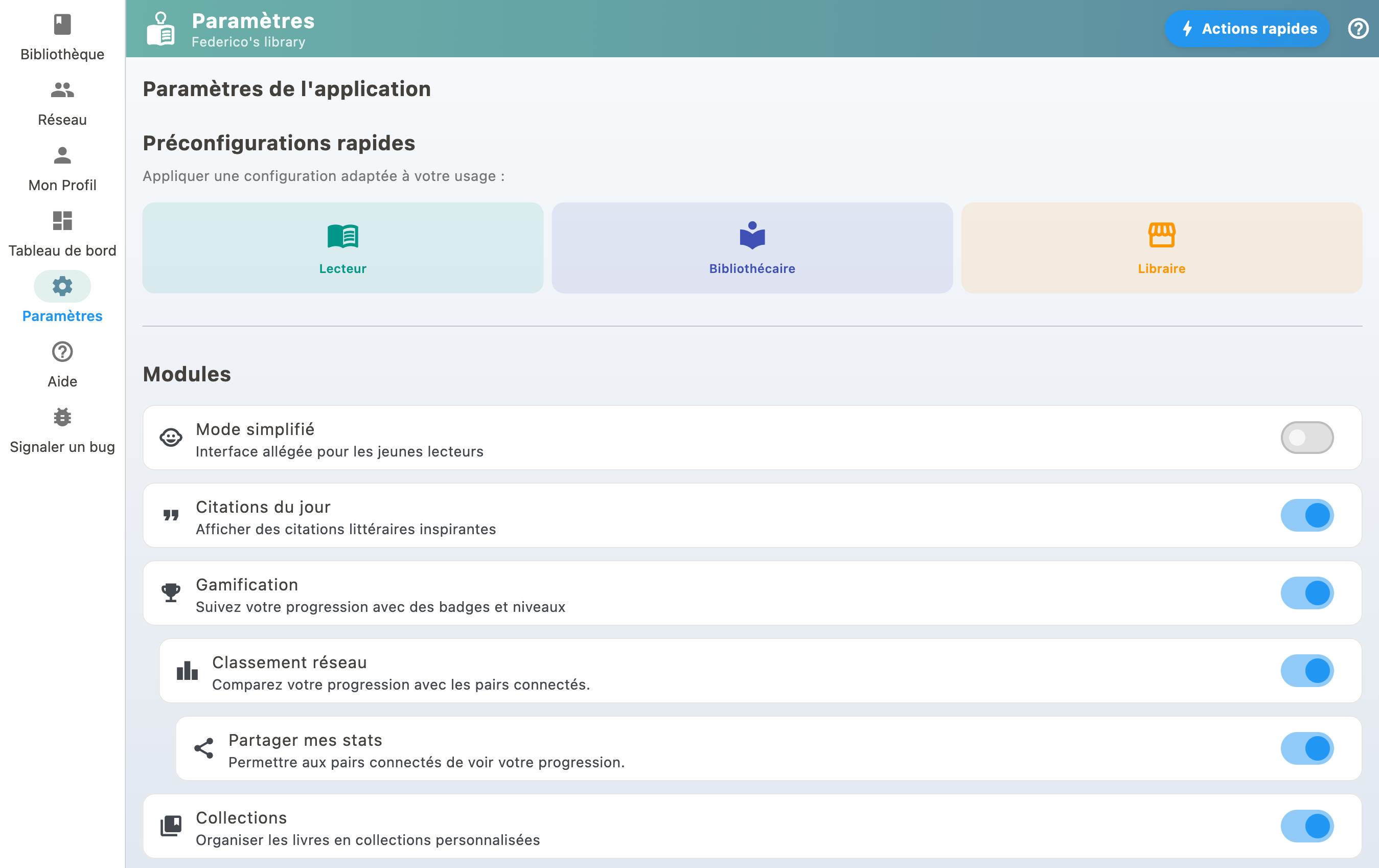
- Go to Settings
- Select "Import & organize my library"
- Choose "File import (CSV / XLSX)"
- Follow the instructions to import your file
BiblioGenius automatically enriches imported books with metadata from external catalogs (cover, description, etc.).
If no ISBN column is recognised
The ISBN is what later brings back covers, summaries and editions. When no column in the file carries a name it recognises, BiblioGenius stops and shows you the headers it read. You can then point at the column holding the ISBN yourself, or choose to import without one, knowingly.
If your books already came in without ISBNs during an earlier import, they are not lost: hand the same file back from the "Complete my library" screen, which finds each book and gives its ISBN back without creating a duplicate. See Bulk-updating my books' data.
For the reverse operation, taking your books out of BiblioGenius, see Exporting and backing up.