How to manage contacts
Go to "Network" to add friends or libraries. You can add borrowers (who can borrow your books) or libraries (whose catalog you can browse).
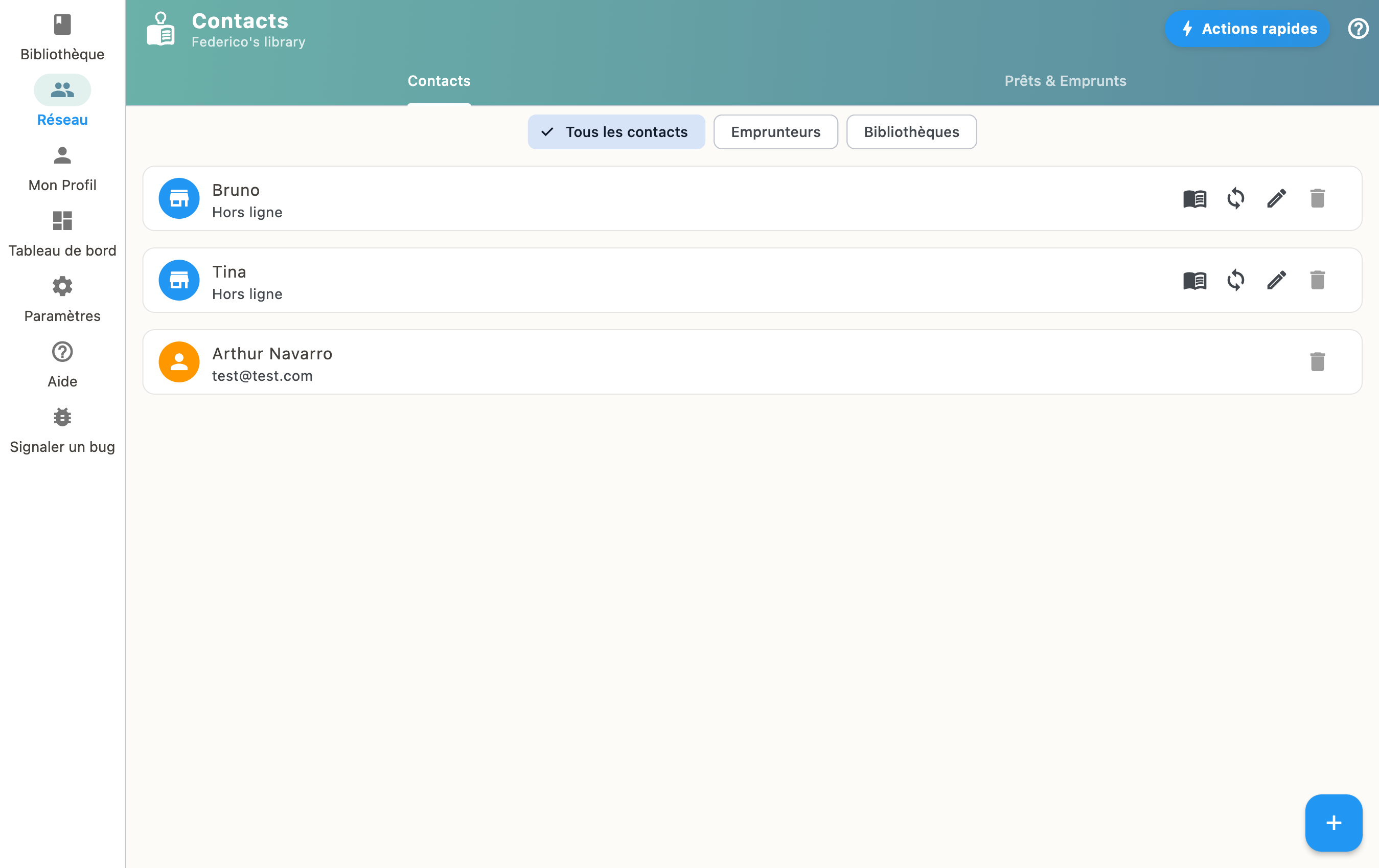
Contact types
- Borrowers: people you lend books to
- Libraries: catalogs you can browse and request loans from
Add a contact
You can add a contact by scanning their QR code or entering their information manually.