How to explore the network
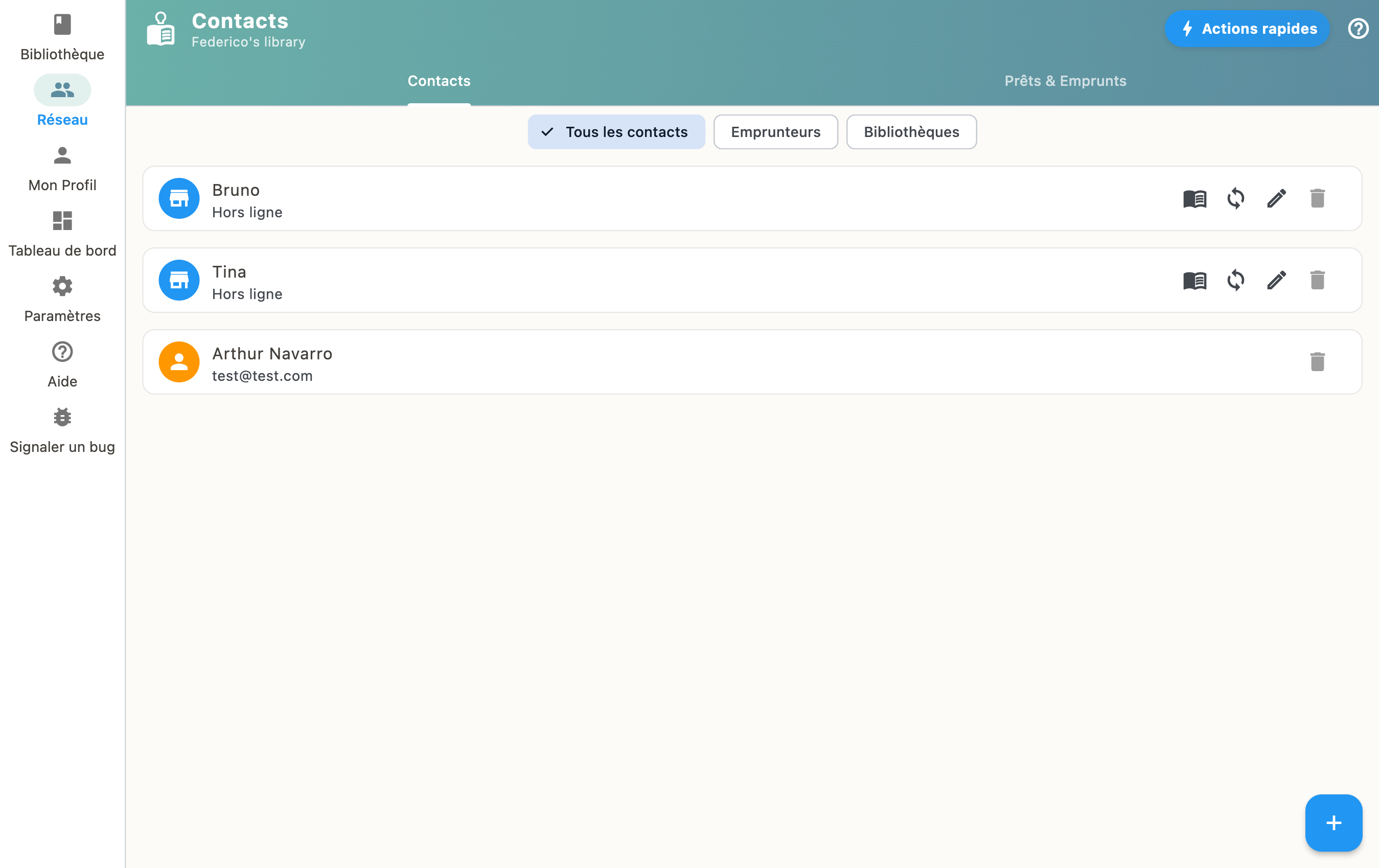
The "Network" section lets you discover and browse catalogs of libraries you've added. You can request to borrow books from there.
Browse a catalog
Select a library in your network to see available books. You can search for a specific title or browse through shelves.
Request a loan
When you find a book you're interested in, tap it to send a borrow request to the owner.
Contacting a library
A borrow request says what you want, not how you are going to arrange it. On the page of a book from another library, the "Contact" action opens the ways to reach them, when they gave their details: email, SMS, WhatsApp, or simply copy the details.
The message is already written, with the title of the book concerned, and all you have to do is adjust it. Between two paired libraries, it also offers the exchange the other way round: what you would like to borrow back.
The same action exists from a library's own page, with no particular book, to arrange a loan in your own words.
If the library did not fill in their details, the action does not appear: nothing suggests a channel that does not exist. See The library directory to fill in yours.