How to use audio features
The Audio module automatically searches for free audio versions of your books on open online libraries: LibriVox, Litteratureaudio.com and Internet Archive. Enable the module in your settings, then listen directly from the app.
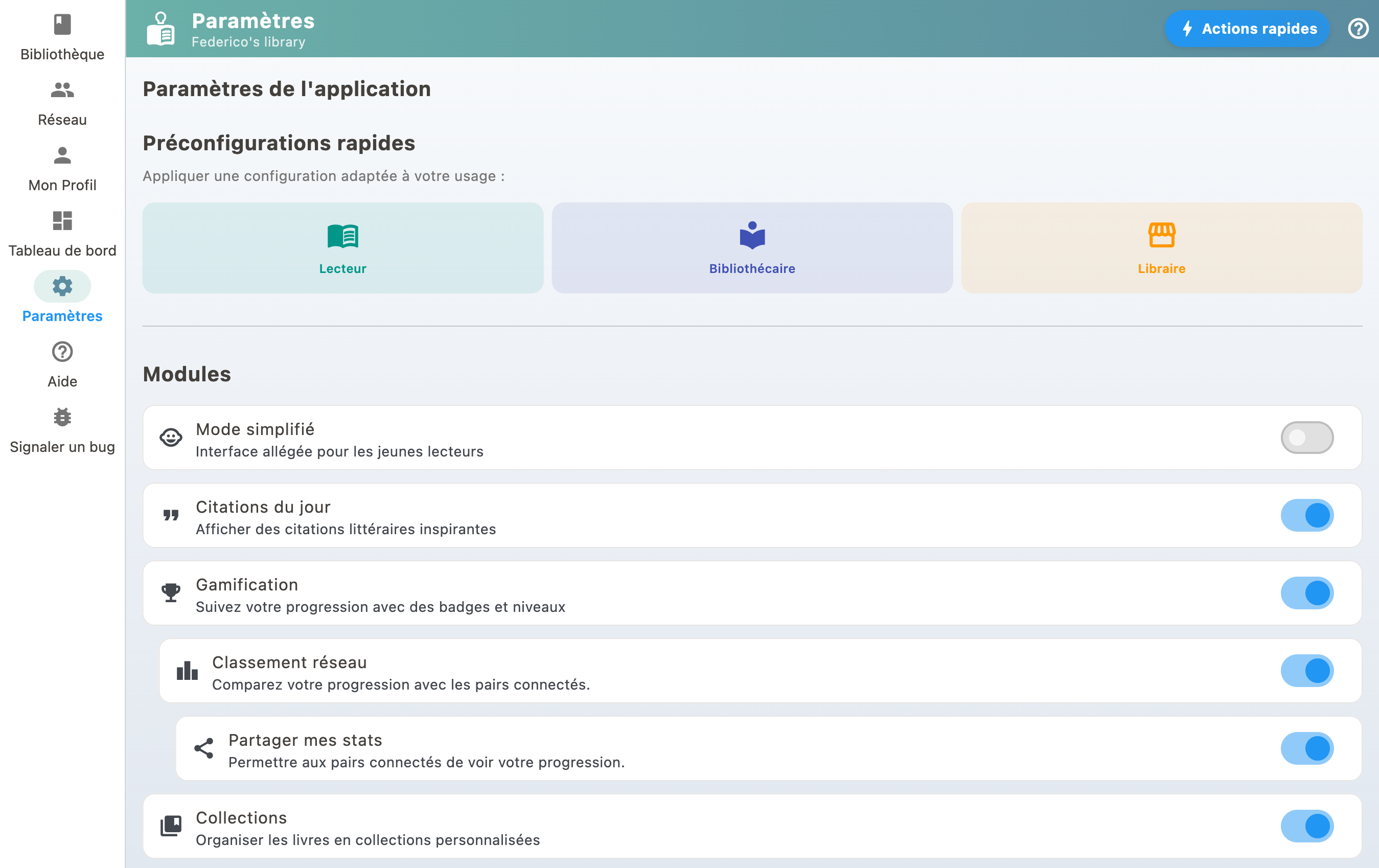
Enable the Audio module
- Go to your Profile
- Open settings
- Enable the "Audio" module
Available sources
- LibriVox: the largest free audiobook catalog, available in multiple languages
- Litteratureaudio.com: high-quality French classics
- Internet Archive: very large catalog, varied quality
Listen to an audiobook
When a free audiobook is available for a book in your library, BiblioGenius detects it automatically. You can then listen directly from the book details page, chapter by chapter.